Building the Stack Behind PawsNearMe
A technical deep dive into the architecture, real-time systems, and deliberate tradeoffs behind a privacy-first, location-based iOS app — built solo, in production.
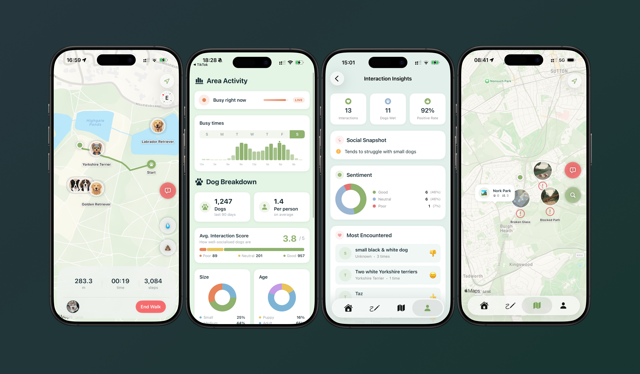
There is a version of this post that leads with the product vision — the dog parks, the reactive owners, the cold start problem. I wrote that version already. This one is for the engineers. It is about the decisions that don't appear in any App Store description: why the architecture looks the way it does, where I chose simplicity over sophistication and why, and what it actually takes to ship a real-time, location-based iOS app as a solo developer in 2026.
The short version: it is more tractable than you might think, if you are willing to be disciplined about what complexity you take on and when.
Architecture: MVVM, Repositories, and the SwiftUI Environment
The app follows MVVM with a repository pattern and protocol-based dependency injection through the SwiftUI Environment. This sounds like a set of choices made by committee, but each one was made for a specific reason.
The repository pattern exists primarily to make Previews work. Every domain — walks, dogs, events, community, search — has a protocol contract and two implementations: a Supabase* concrete type used in production, and a Mock* type used in Xcode Previews and tests. The AppContainer singleton wires the concrete implementations at app startup; the default environment values point to mocks, which means any view can be previewed in total isolation from the backend. On a solo project, the feedback loop between writing a view and seeing it render correctly is everything. Anything that makes that loop slower is a form of technical debt.
Dependency injection via the SwiftUI Environment, rather than constructor injection or a third-party container, was a deliberate choice to stay idiomatic. Views access repositories with @Environment(\.walkRepo), which reads naturally and requires no ceremony. The tradeoff is that the environment key definitions in RepositoryKeys.swift involve some boilerplate — a small, stable cost.
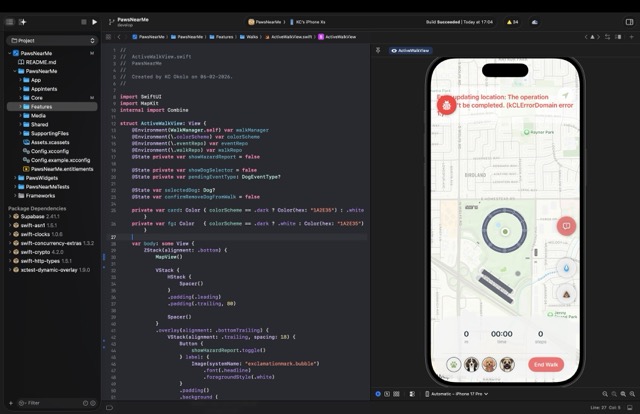
State is managed through AppStateManager, an @Observable class that owns the current user, the dog list, session lifecycle, and onboarding state. The move from ObservableObject to the new @Observable macro — available from iOS 17 — removed a meaningful amount of boilerplate and made fine-grained observation essentially free. Setting iOS 17 as the minimum target was a deliberate product decision with a direct engineering payoff.
The Walk Engine: A State Machine Worth Having
The walk feature is the product's core loop, and it warranted the most careful design. WalkManager is an @Observable state machine with three states: .idle, .active, and .reviewing. Transitions are explicit and guarded — you cannot start a walk with an empty dog list, and you cannot enter review state without a completed session. This sounds obvious, but having it encoded as a state machine rather than a collection of boolean flags means the compiler enforces it, and there is no class of bug where the UI and the underlying session state disagree.
During an active walk, the engine coordinates four separate hardware systems in parallel: CLLocationManager for GPS route recording with background updates, CMPedometer for step counting, WeatherKit for capturing conditions at walk time, and ActivityKit for the Live Activity on the Lock Screen and Dynamic Island. Each of these has its own permission model, its own failure modes, and its own concurrency characteristics. The key architectural decision was to isolate each into its own service (LocationService, PedometerService, WeatherManager) and have WalkManager coordinate between them rather than owning the hardware directly. This makes the state machine testable — the test suite injects FakeWalkRepository and FakeEventRepository directly, with no live backend required — and it makes each service replaceable independently.
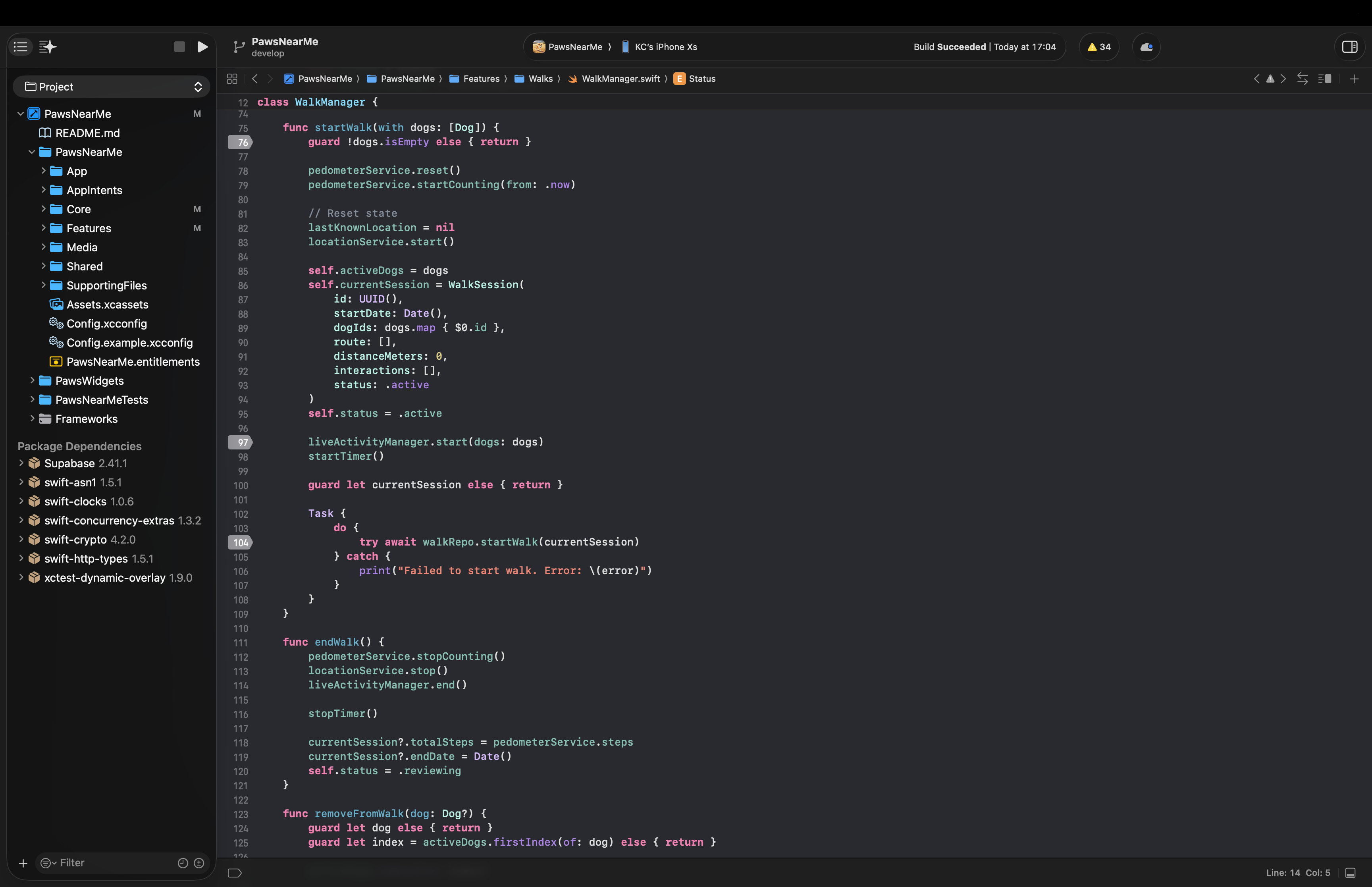
One feature I am particularly pleased with is Sniff Spots: detected pauses during a walk where a dog lingered, surfaced as map annotations sized by duration. This requires no user input — it falls out of the location data naturally, once you are looking for it. It is a small example of a principle that runs through the whole product: behaviour that is passively observed is more reliable than behaviour that is explicitly reported.
Real-Time on a Budget: The Heartbeat RPC
The live map is the feature that raises the most engineering questions. How do you know who is in the park right now? How do you show it without destroying battery life? How do you keep it consistent across a distributed set of clients with no coordination between them?
The answer is a single Postgres function on Supabase called heartbeat. It takes a latitude, longitude, and radius in metres; it upserts the calling user's live location into the live_locations table; and it returns the nearby active users with their dogs in one atomic database round trip. The iOS client calls this every thirty seconds. That is the entire real-time system.
I want to be precise about the tradeoffs here, because the decision to use polling rather than WebSockets or Supabase Realtime channels was not laziness — it was a considered call. Polling at thirty seconds gives predictable, bounded load. It has simple failure modes: if a call fails, the next one will succeed, and the map state is never more than thirty seconds stale. It requires no persistent connection management, no reconnection logic, and no handling of the subtle edge cases that arise when a real-time subscription drops and recovers. For the current scale and the current product needs, stale-by-thirty-seconds is entirely acceptable. The infrastructure for event-driven updates is available when it is needed; taking it on now would be complexity without benefit.
Hazard alerts are the one place where Supabase Realtime is used — a subscription via Realtime channels rather than polling, because a hazard report (broken glass, an aggressive dog, suspicious food left out) is exactly the kind of event where latency matters and where a user is likely to be actively looking at the map when it arrives. The distinction between "poll for presence" and "subscribe to safety events" reflects the different urgency of those two data streams.
The heartbeat function also does something useful that a naive polling approach would miss: the database, not the client, determines who is "nearby." PostGIS handles the geographic query; the live_locations table has a staleness threshold baked in. The client never has to reason about which of the locations it has received are still valid. That reasoning lives in the database, where it belongs.
Privacy by Architecture
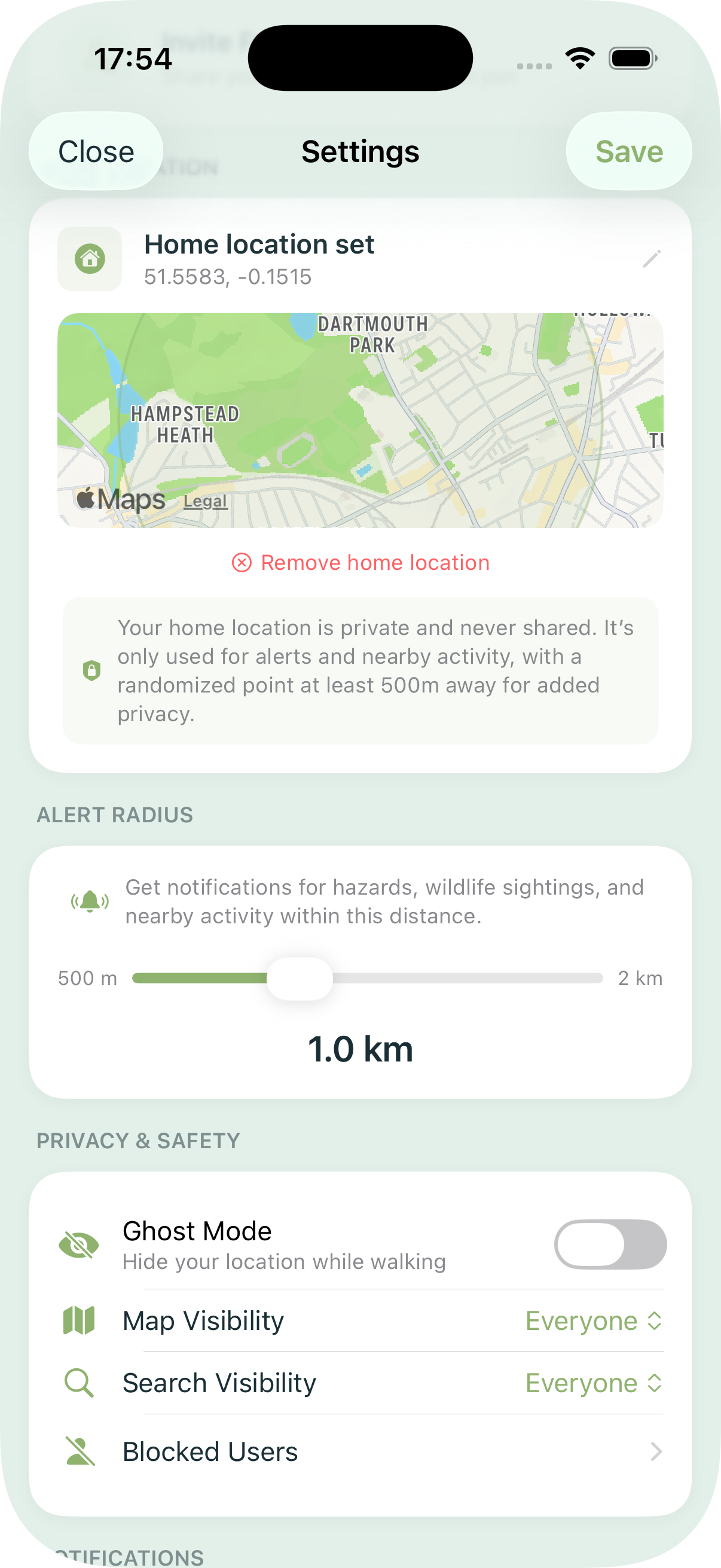
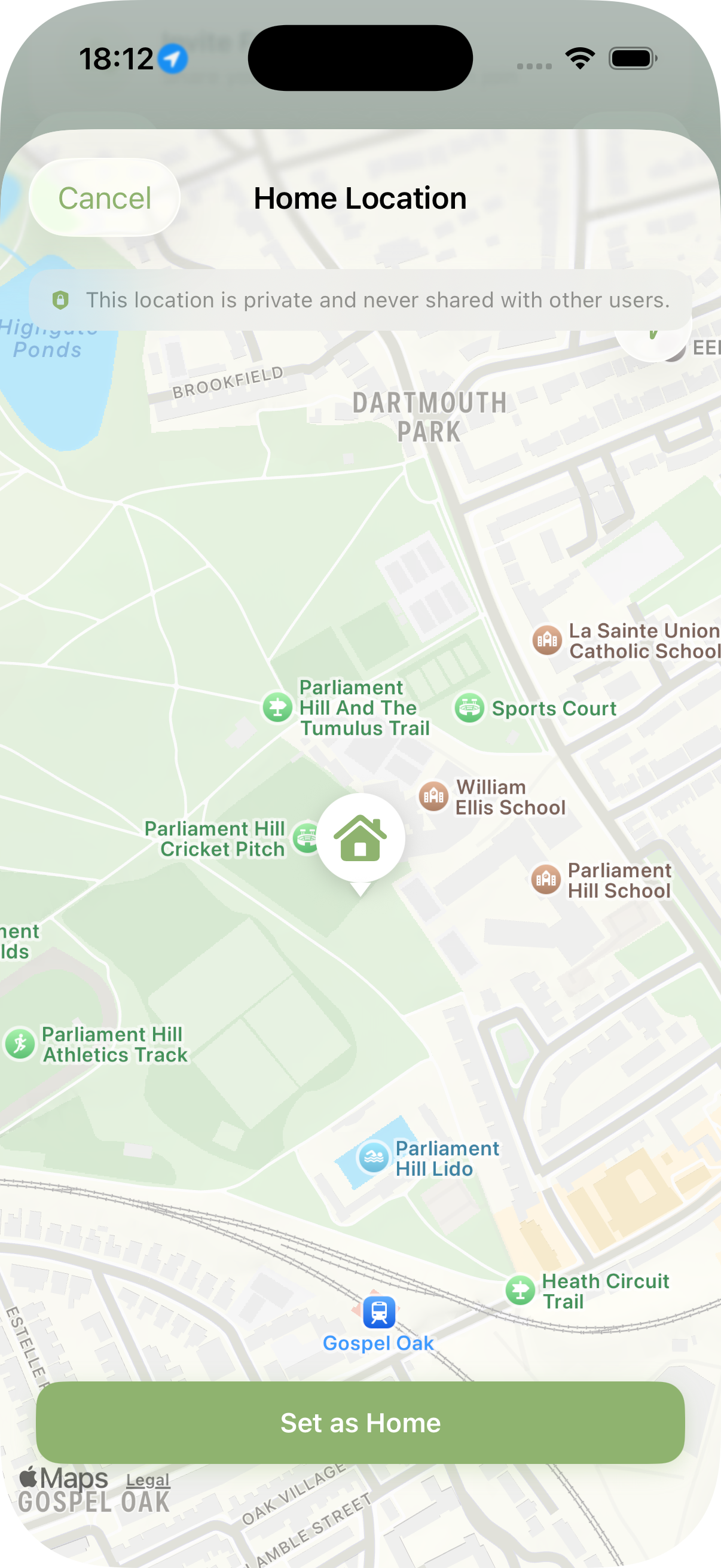
Location data is among the most sensitive information a device can produce, and the trust model of the app reflects that. A connected trust network gates map visibility: you only appear on another user's map if you are connected to them through a verified mutual connection. Ghost mode allows a user to log walks and contribute to aggregate statistics without appearing on anyone's map at all. Visibility controls — Everyone, Friends Only, or No One — give users granular control over their presence.
These are not settings buried in a privacy policy. They are structural constraints encoded in the data model and enforced at the database layer. The dog_access join table with role-based access, the heartbeat RPC's trust-scoped query, the row-level security policies on Supabase — the privacy is in the schema, not in the UI copy.
This matters for a reason that goes beyond user trust, though user trust is reason enough. An app that collects real-time location data from its users at thirty-second intervals, aggregated across an entire city, is building a dataset of considerable sensitivity. The architecture should reflect that weight. It does.
The Live Activity: Lock Screen as Interface
One of the more enjoyable engineering problems was the Live Activity integration. During an active walk, a Live Activity on the Lock Screen and in the Dynamic Island shows elapsed time, distance, steps, and dog initials. The quick-log bridge — the part I find most satisfying — allows a user to log a pee or poop event directly from a Live Activity button without unlocking the phone or opening the app. This required careful coordination between the ActivityKit extension, the shared PawsWalkAttributes type, and the App Intents integration that surfaces the same capability to Siri and Shortcuts.
The WidgetKit extension shares the same attribute type. The practical implication is that the data model for "what is currently happening on this walk" is defined once, in a shared module, and consumed by three separate surfaces: the app itself, the Live Activity, and the widget. Getting that boundary right early saved considerable refactoring later.
Testing: Swift Testing over XCTest
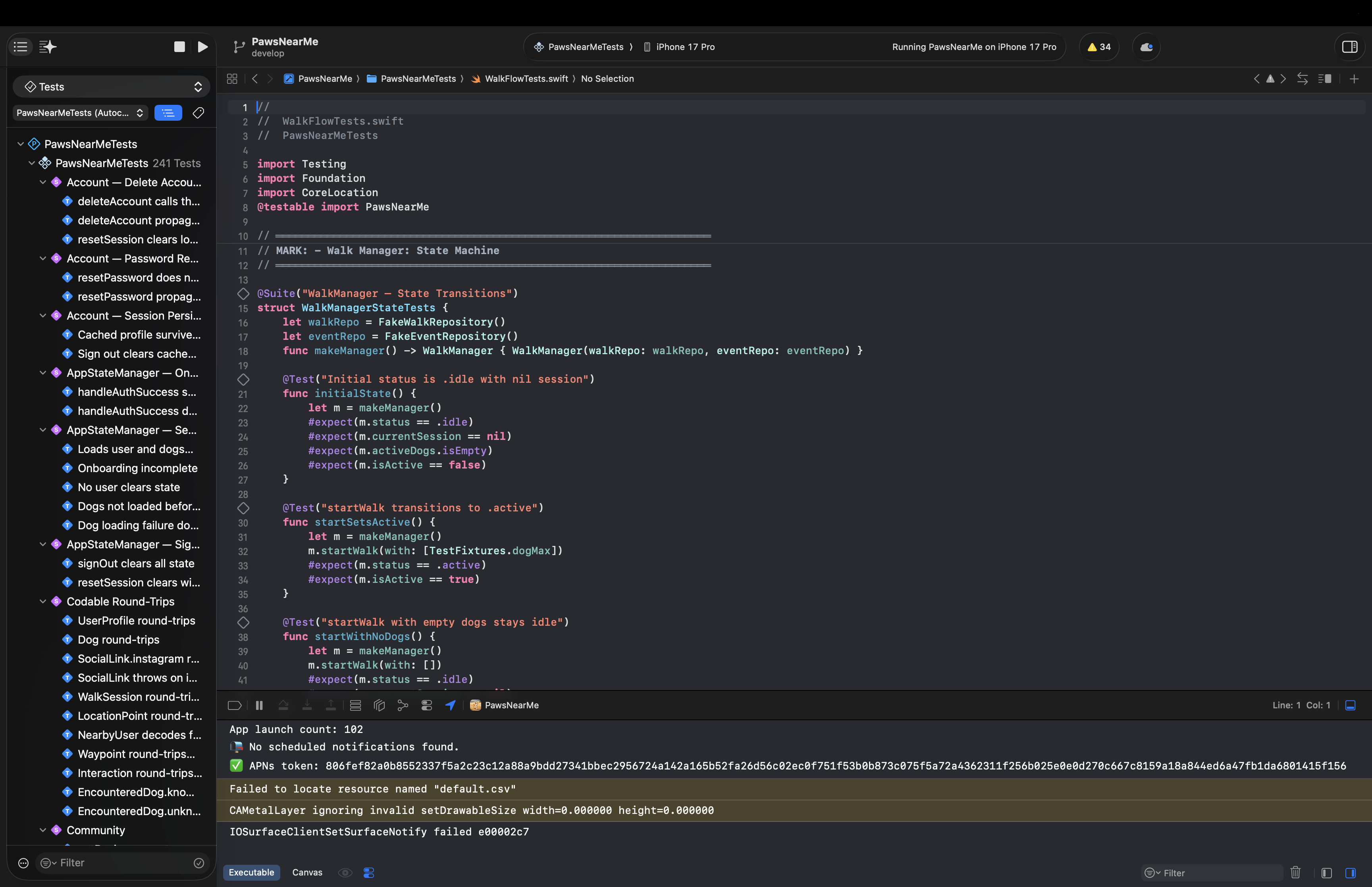
The test suite uses Swift Testing — the new @Suite, @Test, #expect API introduced in Swift 6 — rather than XCTest. The syntax is cleaner, the failure messages are more useful, and parameterised tests are first-class. Coverage includes the walk state machine, model encoding and edge cases, hazard and map logic, feed aggregation, and a checklist suite that verifies feature completeness against a defined specification.
The mock infrastructure deserves a mention. FakeWalkRepository and FakeEventRepository are injected directly into WalkManager in tests, with no test doubles at the network layer. This means the tests exercise the actual state machine logic without any backend dependency — they run in under a second and are deterministic. The same mock types power Xcode Previews. Writing them once and using them in both contexts is one of the more straightforward wins available in a SwiftUI project.
What I Would Do Differently
No honest engineering post ends without this section.
The Managers.swift file — which houses AppStateManager — grew larger than I would have liked. It made sense to consolidate early state management there, but the file is now doing more than one thing and would benefit from being broken up. This is the kind of debt that accumulates in any project where the scope expands faster than the refactoring cadence; it is not catastrophic, but it is the thing I notice every time I open it.
I would also invest earlier in a more sophisticated approach to the cold start problem. The current model requires a trust connection before the map feels alive, which is the right privacy decision but creates a harder onboarding curve than a more open design would. A tiered model — aggregate, anonymised park statistics visible to all users, with precise real-time presence gated behind trust connections — would preserve the privacy architecture while giving new users something useful from day one. That is the next significant product and engineering problem.
Finally: the polling interval of thirty seconds was chosen conservatively. With more data on actual usage patterns, it may be possible to use an adaptive interval — more frequent when a user is actively on the map, less frequent when they are in the background — without meaningfully increasing battery impact. This is an optimisation worth making once the user base is large enough to measure against.
The full stack — SwiftUI, Supabase, PostGIS, ActivityKit, WeatherKit, CoreMotion, WidgetKit — is available, well-documented, and within the reach of a single developer who is willing to learn its edges carefully. What it requires is not a team, but a clear set of priorities: know which problems you are solving now, know which ones can wait, and write the architecture to reflect that distinction.
The app is live on the App Store. If you have questions about any of the above, or want to go deeper on any particular part of the stack, I am happy to talk through it.